
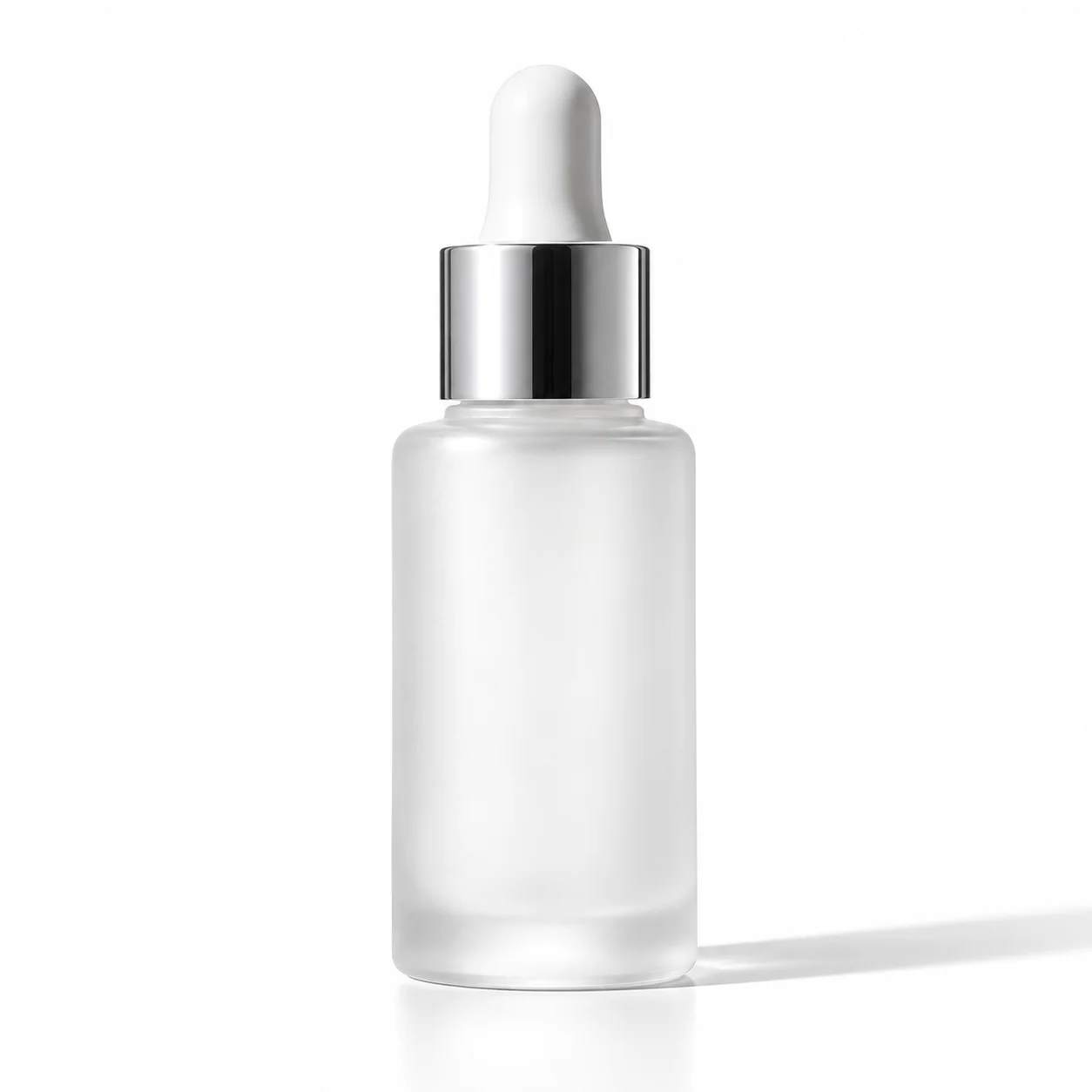
 Product photo generator · studio
Generated image will be displayed here
Motixo image workflow
Product Photo Generator on Motixo
Convert casual product snaps into studio catalog lighting with clean surfaces, reflections, and ecommerce-ready crops.
- Start with a clear brief
- Built for real production use
- Explore multiple directions
How to use Product Photo Generator
Step 1
Upload the product
Start from a clear phone photo or describe the SKU for the product photo generator.
Step 2
Choose studio setup
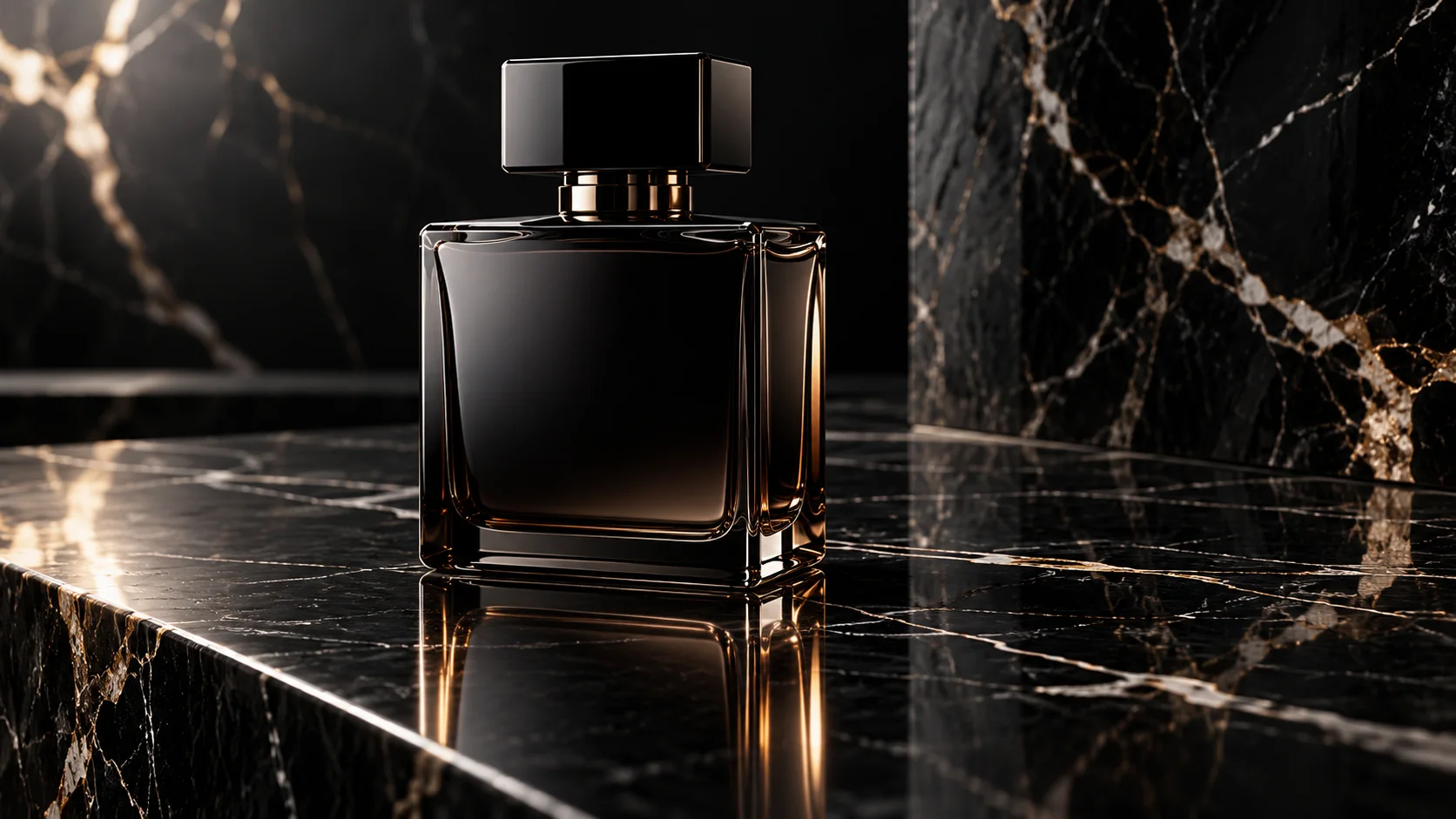
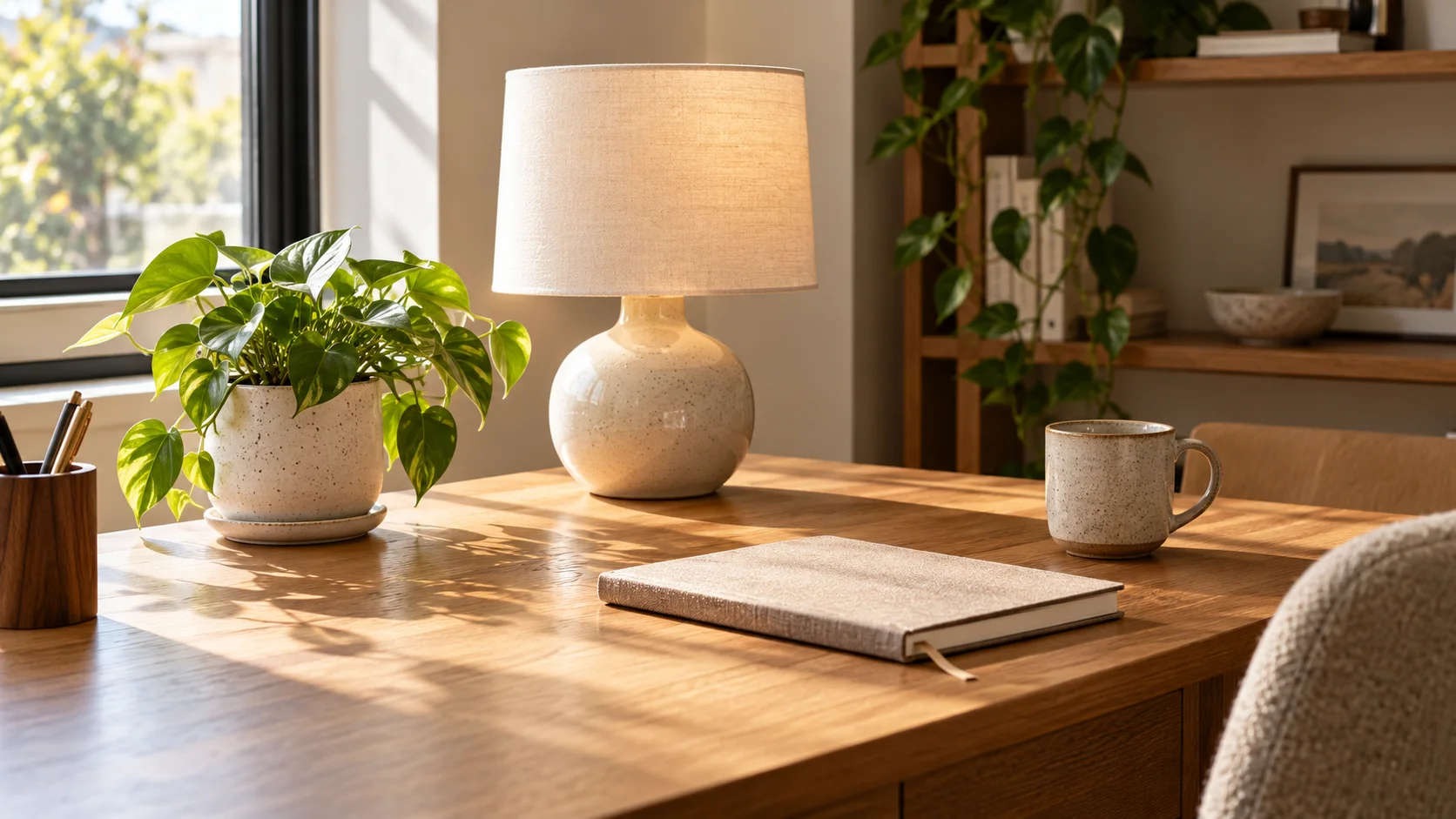
White seamless, marble, or lifestyle surface for your marketplace listing.
Step 3
Export catalog frames
Download square and landscape crops ready for Amazon, Shopify, or ads.
Product Photo Generator Features
Studio catalog lighting
Hard and soft light combos that look like a product photography bay.
Ecommerce-ready crops
1:1 and 4:5 frames tuned for marketplaces and paid social.
Reflection and material fidelity
Glass, metal, and packaging edges stay sharp for trust.
Lifestyle scene options
Place products in tasteful contexts without booking a set.
Batch listing speed
Refresh an entire catalog with one product photo generator workflow.
Product Photo Generator Examples
Product Photo Generator FAQ
For many digital listings yes. Keep real photos when regulatory packaging text must be pixel-perfect.
Try Product Photo Generator
Start with one simple brief, then tune the lighting, style, and framing until it fits your campaign.