
01
Cinematic
Cinematic camera move
Slow push-ins and atmospheric lighting for brand films.
Generated video will be displayed here
ByteDance · Seedance 2.5
ByteDance Seed Team launched Seedance 2.5 as a next-generation video model built on the Seedance 2.0 multimodal audio-video architecture, with longer single-pass clips and richer reference control. On Motixo you run the KIE Seedance 2.5 provider for text-to-video, frame-guided clips and multimodal references within the parameters exposed in the workbench.
ByteDance Seed / ModelArk documentation cross-checked with Motixo KIE provider fields (2026-09-28).
These Motixo showcase clips illustrate the kinds of camera and subject motion teams brief Seedance for—they are not labeled as Seedance 2.5 outputs.
ByteDance describes Seedance 2.5 as moving from “a clip” to “a finished creative work,” with longer storytelling, stronger multimodal references and editing-oriented control in the full product. Below is what matters when you generate through Motixo’s KIE integration.
Seedance 2.5 can produce up to 30 seconds in one pass and supports extension rounds in ByteDance’s product docs—Motixo exposes 4–30 second duration values on the KIE provider.
ByteDance documents up to 30 images, 10 video clips and 10 audio clips per input. Motixo validates the same caps on reference_image_urls, reference_video_urls and reference_audio_urls.
Upload a first frame, or first and last frames, when you need anchored motion between two stills. Reference bundles use a separate mode on the KIE API.
Toggle generate_audio when you want the model to produce sound aligned with the visuals. Turn it off for silent plates you will score later.
Pick 16:9, 9:16, 1:1, 4:3, 3:4, 21:9 or adaptive when the output should match a feed or widescreen master.
ByteDance’s public ModelArk docs emphasize cinematic polish; on Motixo you choose 480p for fast iteration or 720p for sharper delivery.
Seedance 2.0 introduced unified multimodal audio-video generation. Seedance 2.5 extends duration, reference capacity and controllability according to ByteDance’s launch blog and ModelArk tutorial.
ModelArk notes the maximum generated duration increased from 15 seconds (2.0 series) to 30 seconds on Seedance 2.5, reducing the need to stitch short segments for a complete beat.
Seedance 2.5 raises multimodal reference limits to 30 images plus 10 video and 10 audio clips in one request, with separate validation per type.
ByteDance markets 2.5 for one-take creation: stronger shot continuity, extension rounds and editing features such as timestamp-level control in the native product.
The kie-seedance25 provider covers prompt generation, frame URLs, reference arrays, duration, resolution, aspect ratio, audio toggle and mp4/mov output—not every Dreamina-only editing UI.
Scenarios aligned with ByteDance’s launch narrative. Still images below are brief references only.
Ship 9:16 or 1:1 clips with clear subject motion for Reels, TikTok and paid social.

Cover a full micro-story in one generation instead of three stitched five-second clips.

Animate hero frames for ecommerce, lookbooks and launch teasers.
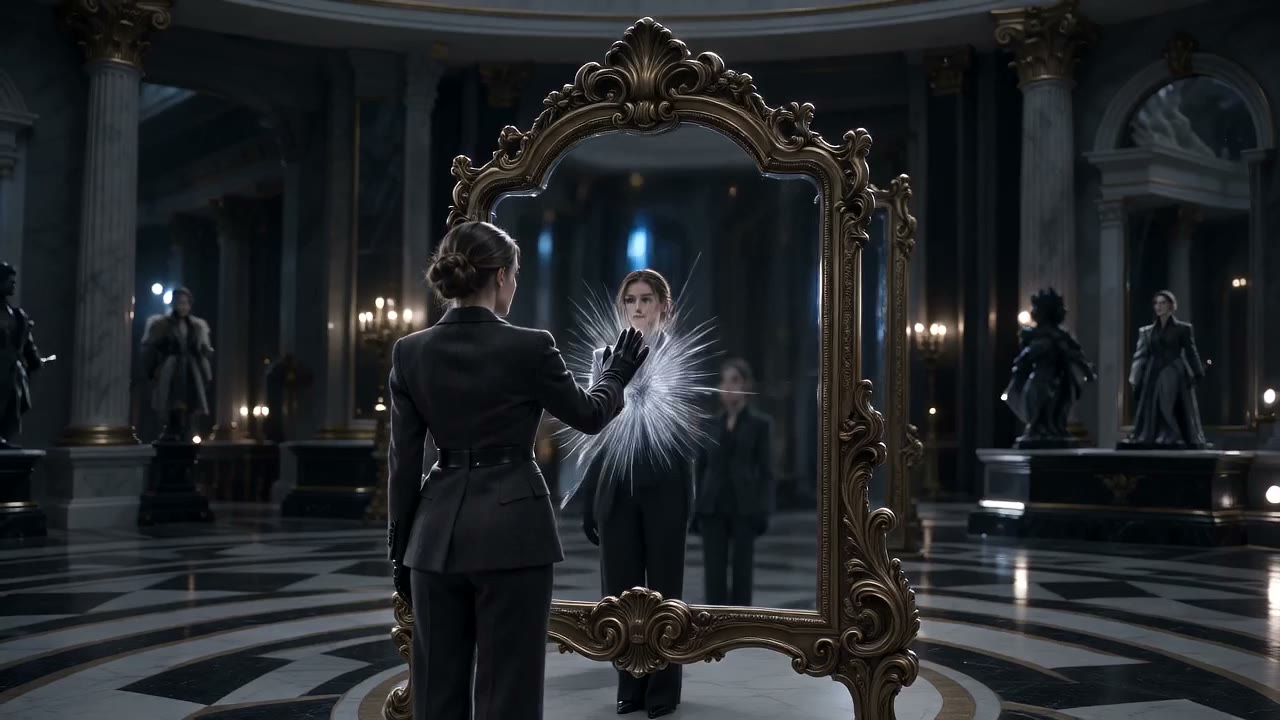
Combine mood images, clip references and audio cues in one brief.

Three steps from prompt to downloadable video.
Step 1
Write a text prompt for pure text-to-video, upload first or first+last frames, or attach reference image/video/audio URLs—following KIE mutual-exclusion rules.
Step 2
Choose 4–30 seconds, 480p or 720p, aspect ratio (including adaptive when you upload frames), and whether to generate synced audio.
Step 3
Review the clip, tweak motion or camera wording, regenerate if needed, then download mp4 or mov.
Seedance 2.5 is ByteDance Seed Team’s next-generation video creation model, announced on the Seed blog as an upgrade to Seedance 2.0 with longer generations and expanded multimodal referencing.
Write a motion brief or upload a frame, then generate your first Seedance 2.5 clip.