
Faster iteration with Flare
OpenAI says GPT Image 2.5 Flare delivers GPT Image 2–class quality with roughly half the latency of the previous generation, which helps social, product and prototyping loops.
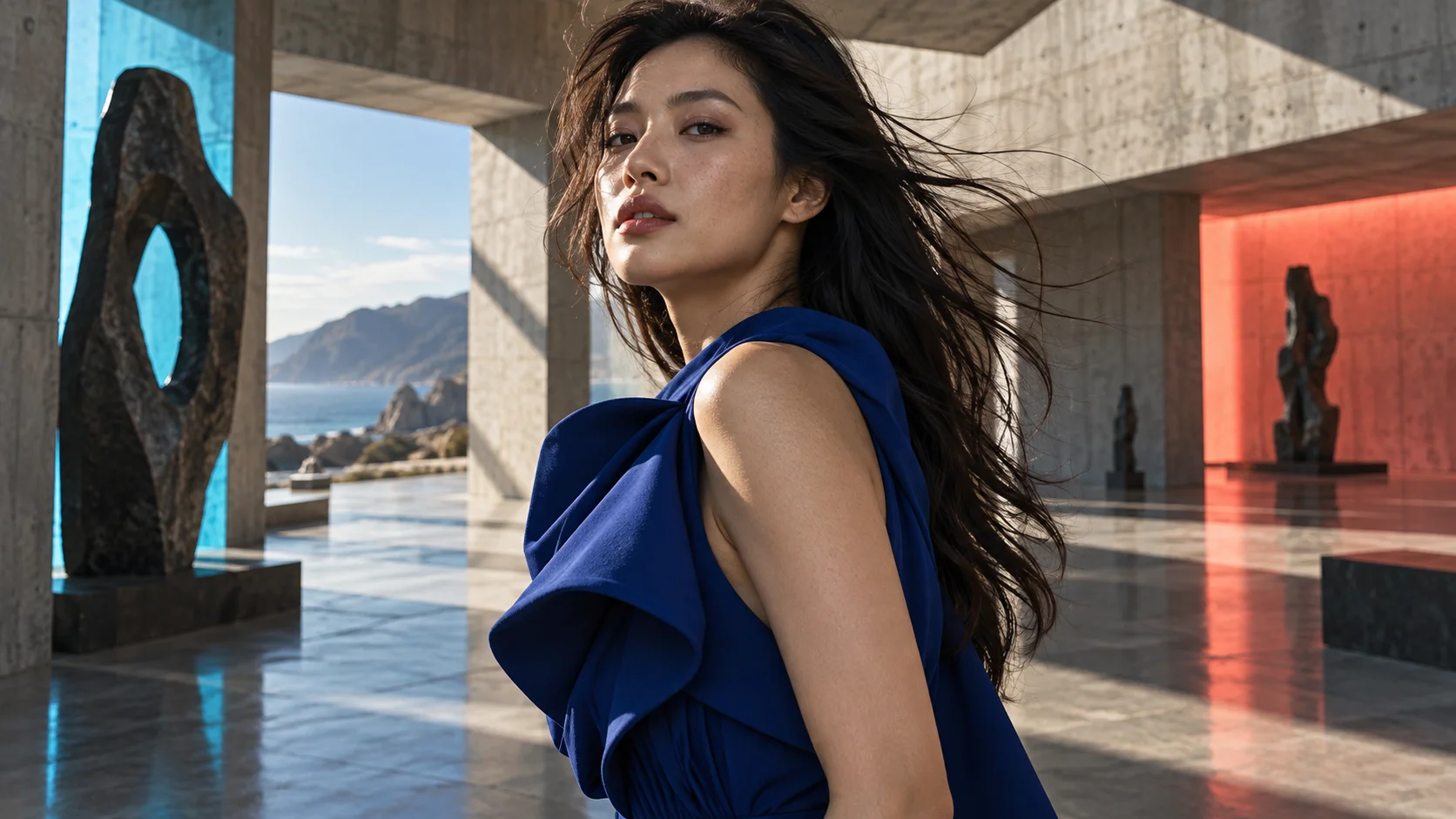 Photoreal portrait
Generated image will be displayed here
OpenAI · Images 2.5
OpenAI released ChatGPT Images 2.5 on September 8, 2026 with sharper detail, better reference preservation and faster iteration than GPT Image 2. On Motixo you can pick GPT Image 2.5 Flare for speed or Sunburst when editing precision matters, upload references or a mask, and export up to 4K stills.
OpenAI API capabilities cross-checked with Motixo Evolink provider settings (2026-09-28).
OpenAI positions Images 2.5 as higher fidelity, more reliable multi-turn edits and up to 50% lower latency versus Images 2.0 for the Flare-class model. These are the capabilities that matter on Motixo.
OpenAI says GPT Image 2.5 Flare delivers GPT Image 2–class quality with roughly half the latency of the previous generation, which helps social, product and prototyping loops.
Sunburst is aimed at premium creative workflows where instruction following and edit fidelity matter more than raw speed—campaign comps, polished product shots and multi-step refinements.
Upload reference images so subjects, layouts or brand elements stay closer to your source photos across variations (Motixo supports up to 16 URLs per call).
When you supply a mask URL, the Evolink GPT Image 2.5 endpoint can limit edits to selected regions instead of repainting the entire frame.
OpenAI documents quality from low through max (plus auto). Motixo exposes low, medium, high, xhigh and max so you can trade speed for fidelity per asset.
Choose PNG, JPEG or WebP and request an opaque or transparent background when you need cut-out ready assets.
OpenAI ships two API model IDs for 2.5. Use this table to pick the right provider on Motixo before you start a batch.
Default for most apps: faster generation and editing with quality OpenAI describes as higher than GPT Image 2 at lower latency—ideal for volume and drafts.
Quality-first ID for demanding edits and finals. OpenAI notes longer generation times in exchange for tighter control across multi-step changes.
OpenAI markets 2.5 with improved lighting, texture, reference preservation and instruction following. GPT Image 2 remains in the catalog but 2.5 is the forward path for new work.
Both 2.5 IDs appear as separate providers. Resolution, quality, references, mask and output format map to the Evolink OpenAPI contract—there is no separate ChatGPT-only Sketch or Templates UI here.
Each scenario maps to documented 2.5 strengths. Images illustrate typical briefs—not guaranteed model outputs.
Generate clean packshots and lifestyle frames for ecommerce without a full photo shoot.
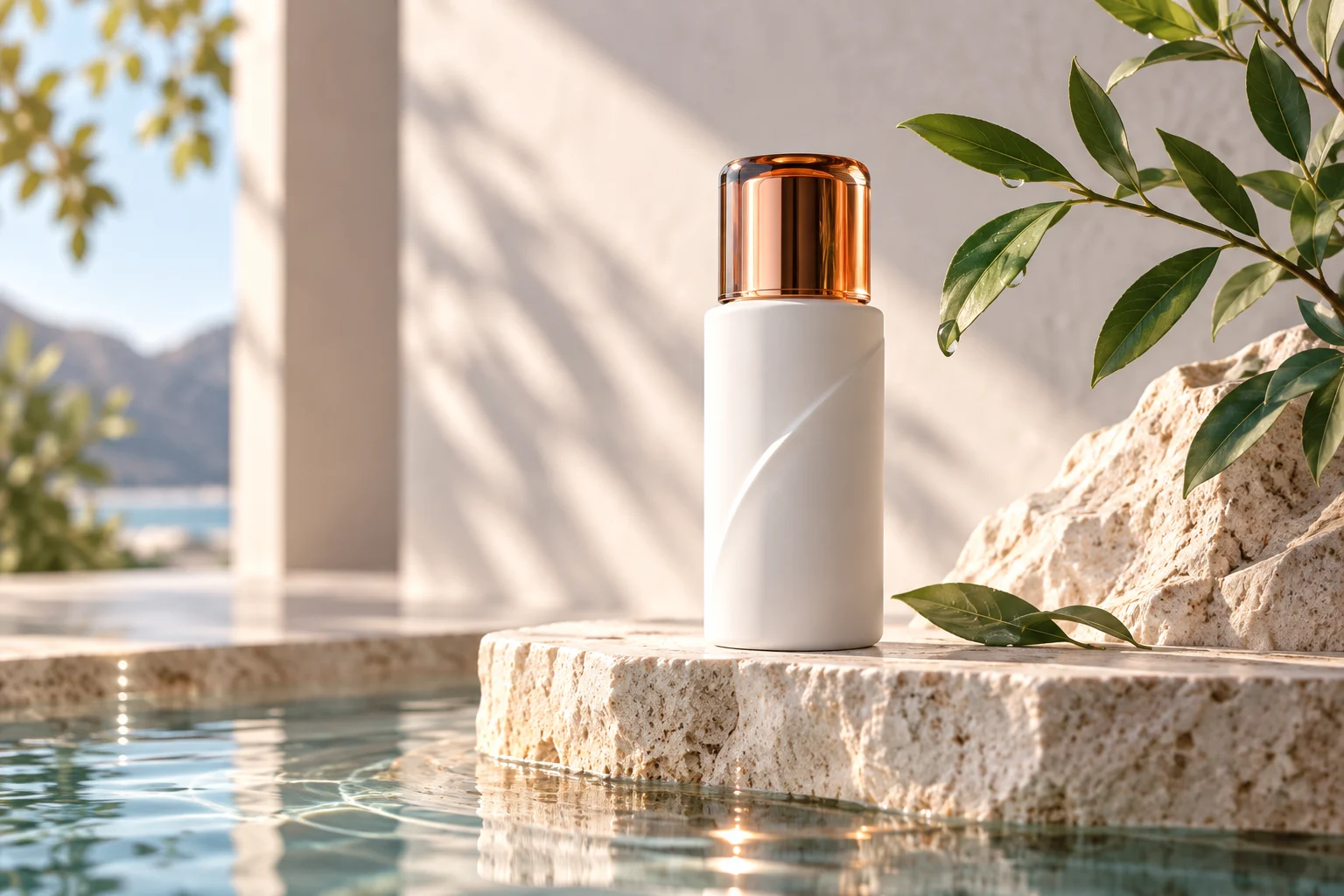
Explore art direction before locking a designer brief.

Refine faces, wardrobe and lighting while keeping identity stable.
Build stickers, overlays and UI mockups with alpha backgrounds.
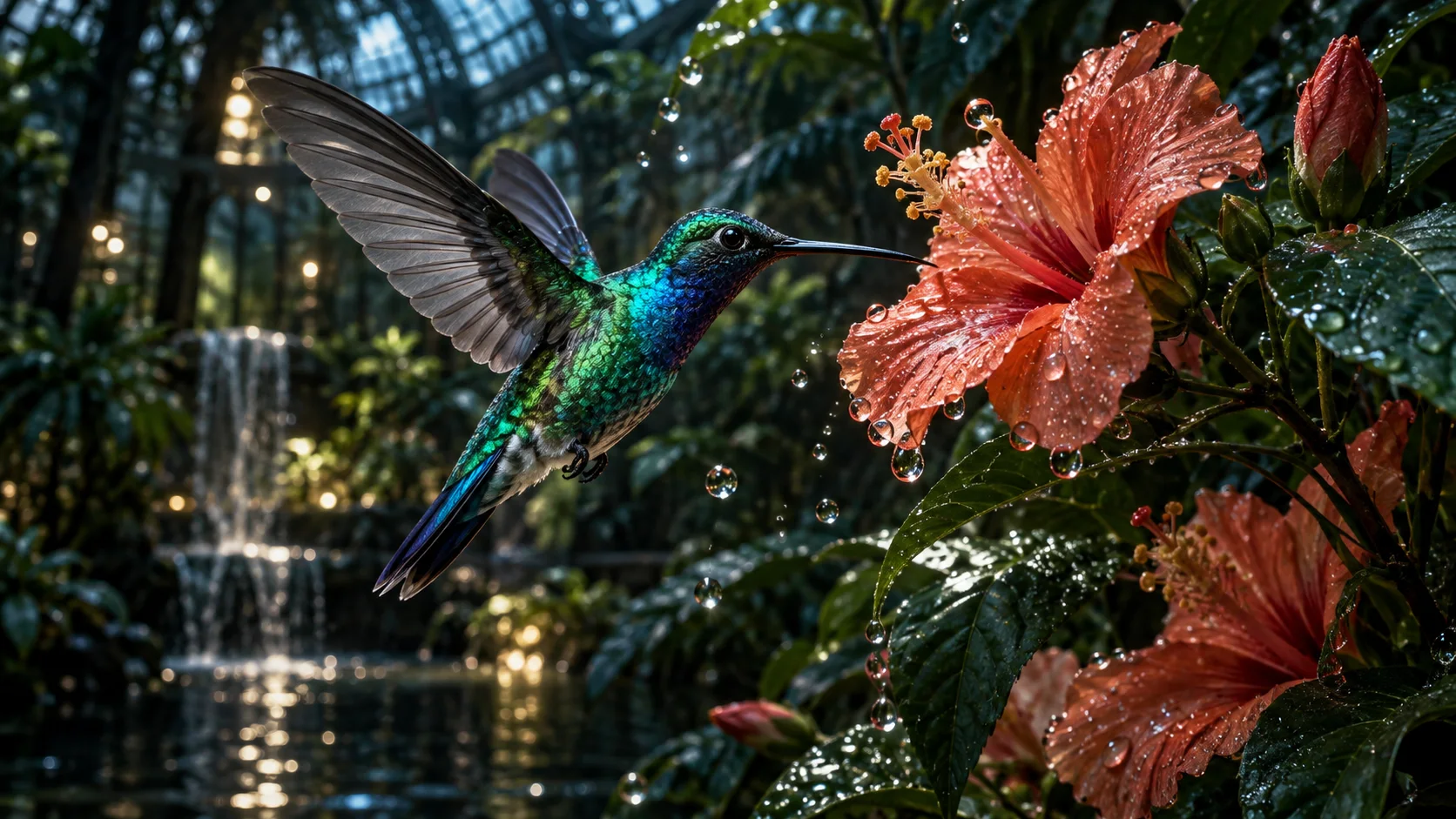
Three steps from provider pick to download.
Step 1
Pick Flare for speed or Sunburst for precision, then write a full-sentence brief. Add reference URLs or a mask if the edit should stay local.
Step 2
Use medium or high for drafts, xhigh or max for finals, and select 1K, 2K or 4K to match the placement.
Step 3
Adjust one instruction at a time, switch to Sunburst for the last mile if needed, then download PNG, JPEG or WebP.
GPT Image 2.5 is OpenAI's September 2026 image generation release, available in ChatGPT and the Images API as gpt-image-2.5-flare and gpt-image-2.5-sunburst. Motixo connects to both via Evolink providers.
Pick Flare or Sunburst, write one prompt, and download your first GPT Image 2.5 still.