
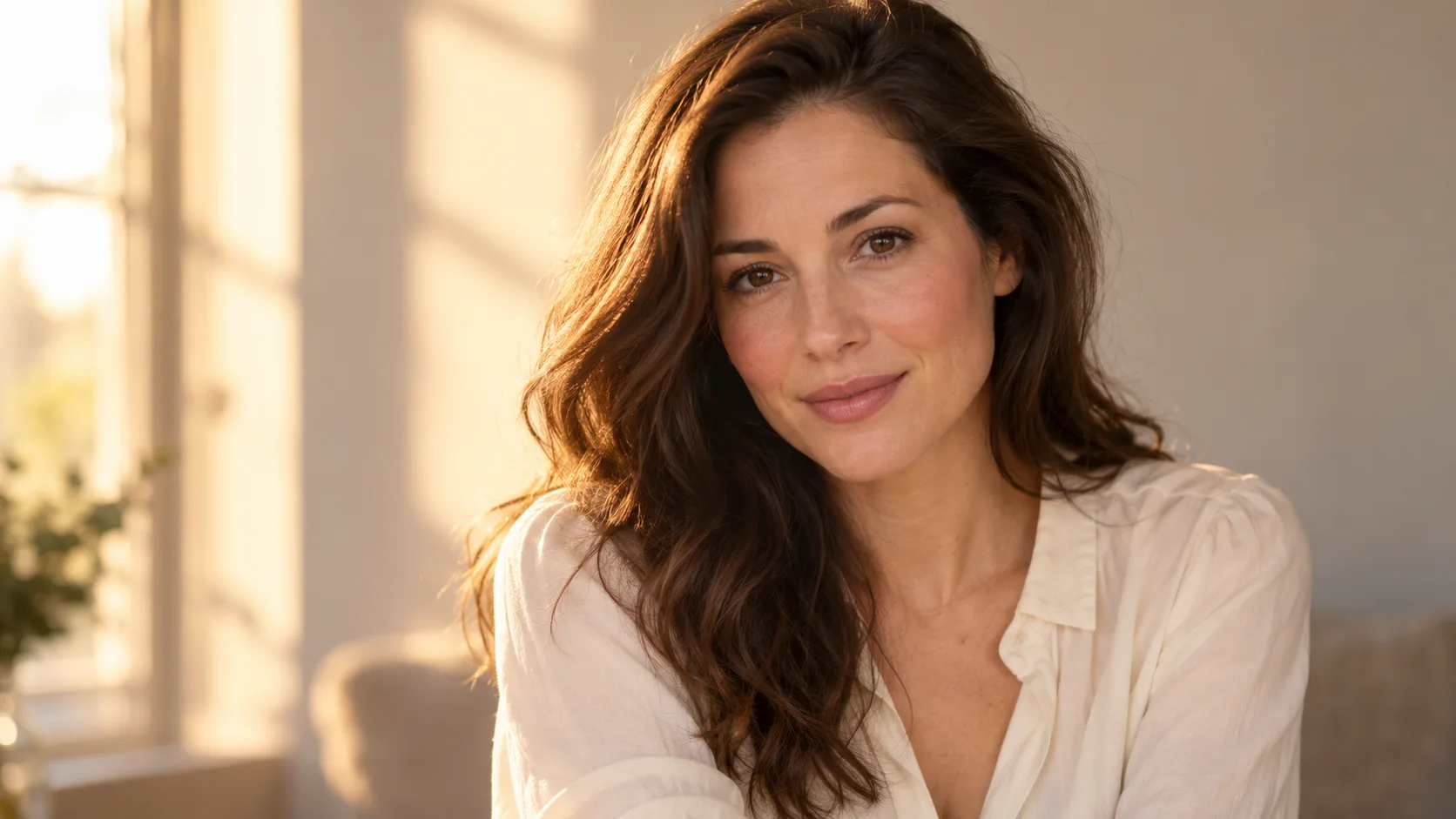
 AI photo editor · restyle
Generated image will be displayed here
Motixo image workflow
AI Photo Editor on Motixo
Restyle and retouch photos with prompt-guided edits — lighting, background cleanup, and creative direction in one flow.
- Start with a clear brief
- Built for real production use
- Explore multiple directions
How to use AI Photo Editor
Step 1
Upload your photo
Bring the frame you want to reshape into the AI photo editor.
Step 2
Describe the edit
Ask for warmer light, cleaner backdrop, or a new mood.
Step 3
Review variations
Pick the strongest edit and export.
AI Photo Editor Features
Prompt-guided retouch
Natural language edits instead of dozens of manual layers.
Background cleanup
Simplify busy scenes for product and portrait focus.
Creative restyle
Shift season, time of day, or cinematic grade.
Campaign iteration
Spin multiple directions from one hero photo.
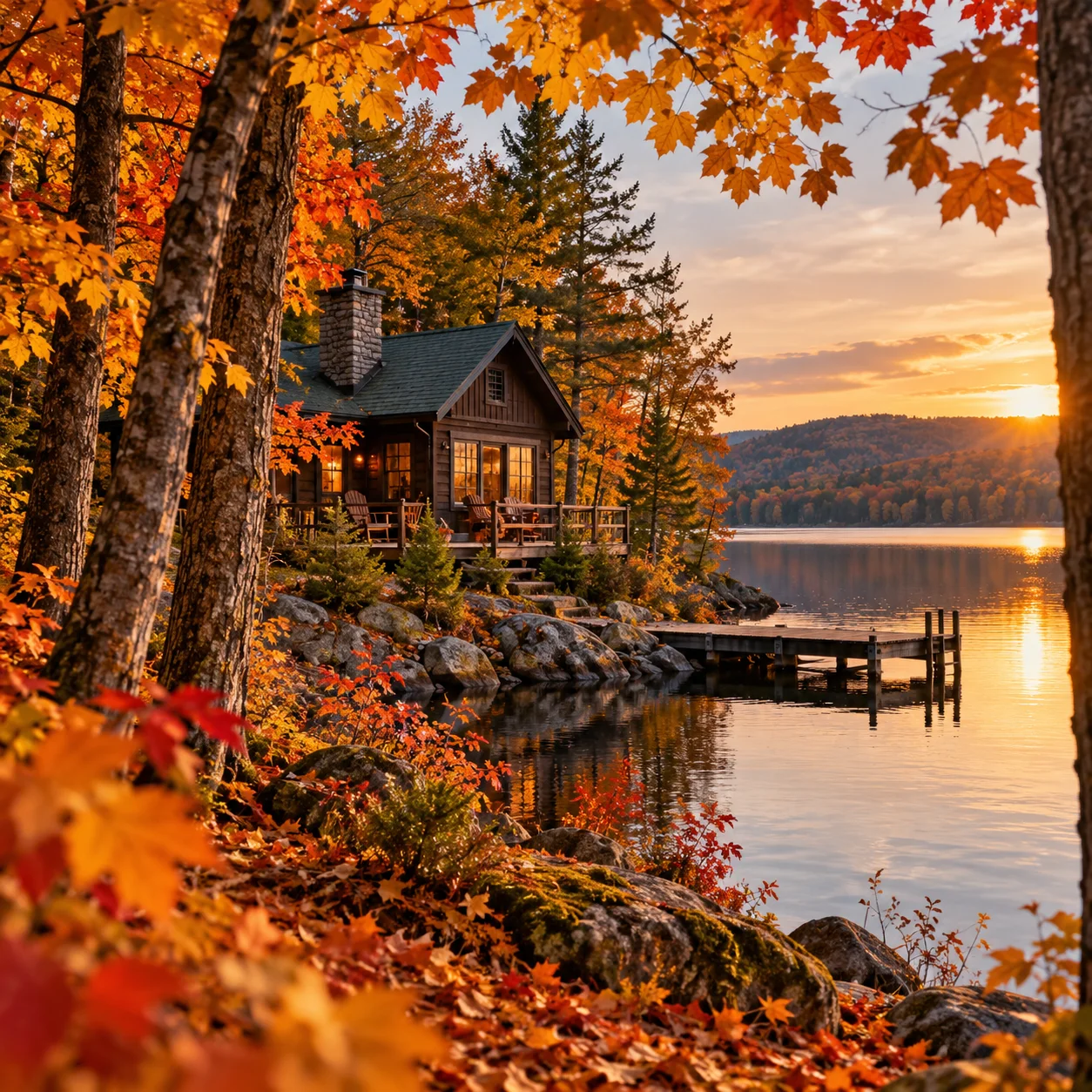
AI Photo Editor Examples

AI Photo Editor FAQ
Yes — describe the change in plain language and Motixo applies the AI photo editor transform.
Try AI Photo Editor
Start with one simple brief, then tune the lighting, style, and framing until it fits your campaign.
No credit card requiredFree to try