
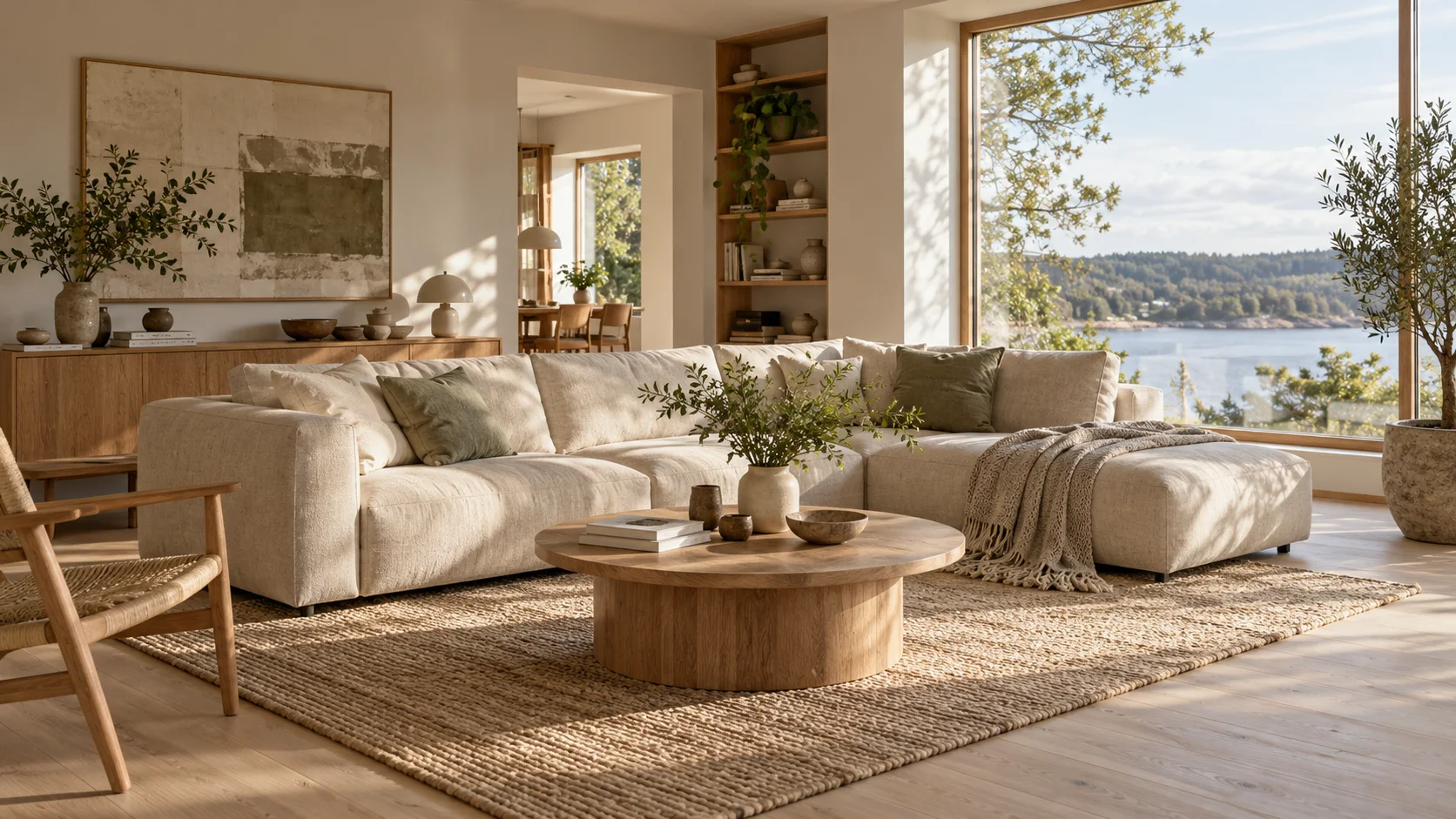
 AI interior design · living room
Generated image will be displayed here
Motixo image workflow
AI Interior Design on Motixo
Turn room briefs into photoreal interior concepts — furniture layouts, materials, and lighting moods for clients and listings.
- Start with a clear brief
- Built for real production use
- Explore multiple directions
How to use AI Interior Design
Step 1
Describe the room
Share size cues, style (Scandinavian, industrial), and must-keep pieces.
Step 2
Pick materials and palette
Wood, stone, textiles, and accent colors guide the AI interior design render.
Step 3
Iterate layouts
Generate alternate seating plans and lighting moods before renovation.
AI Interior Design Features
Photoreal room concepts
See furniture and finishes in context before you buy or renovate.
Style-driven mood boards
Japandi, mid-century, or luxury hotel looks from a short brief.
Listing and realtor visuals
Upgrade empty-room photos into staged AI interior design previews.
Material and lighting control
Specify oak floors, linen sofas, and north-window light for realism.
Client-ready variations
Offer two or three directions without hiring a full CGI team.
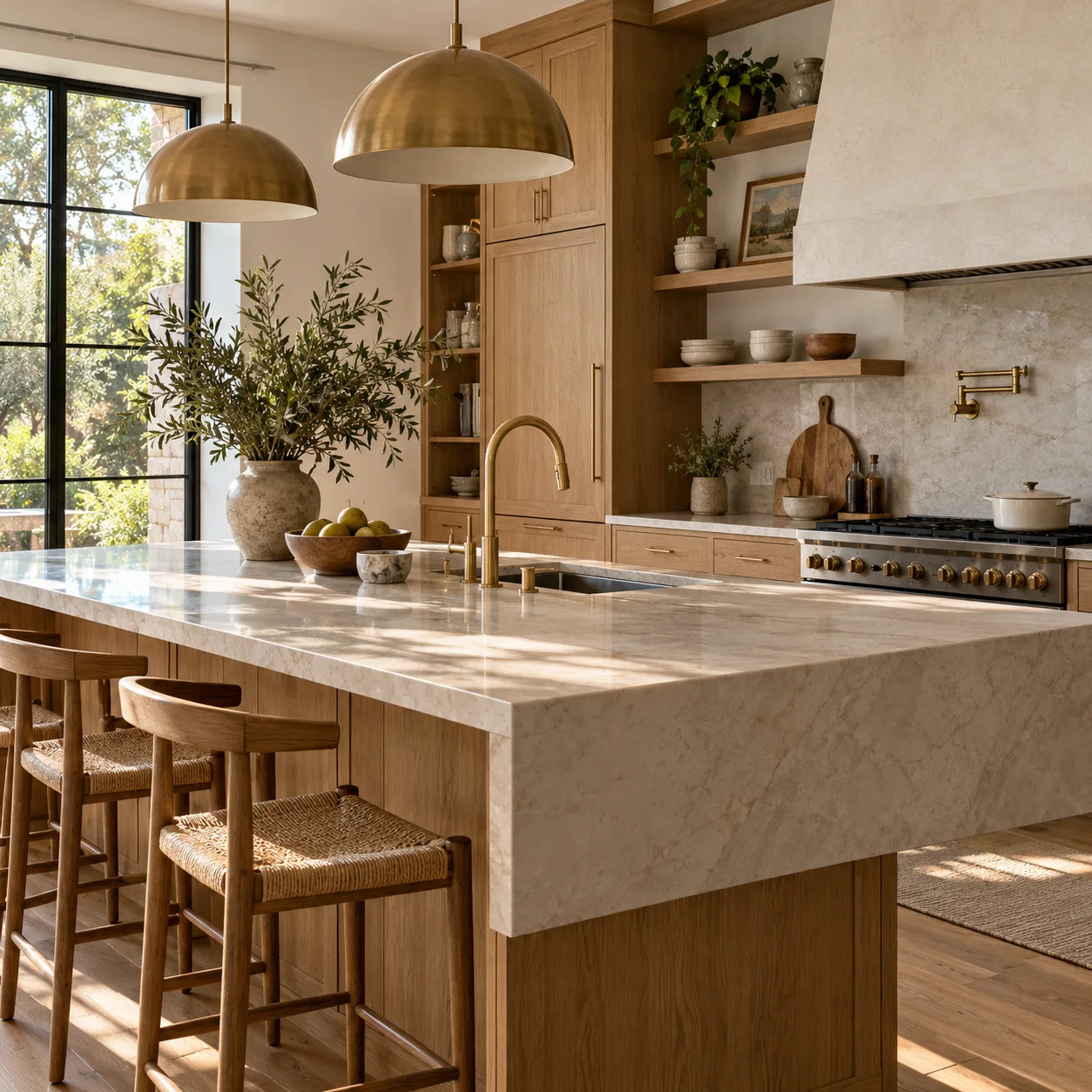
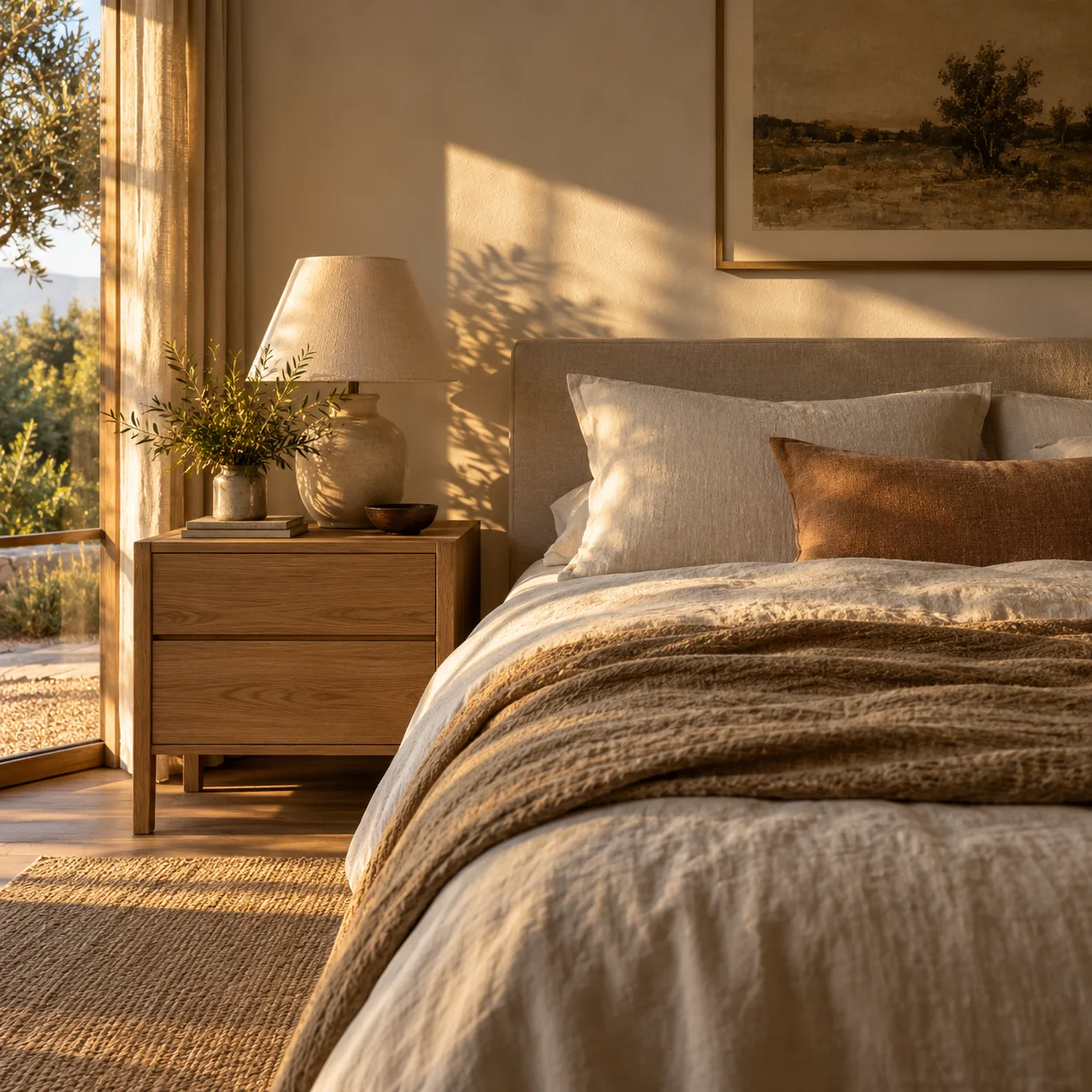
AI Interior Design Examples
AI Interior Design FAQ
Treat outputs as visual concepts. Measure on-site before ordering furniture from an AI interior design preview.
Try AI Interior Design
Start with one simple brief, then tune the lighting, style, and framing until it fits your campaign.