
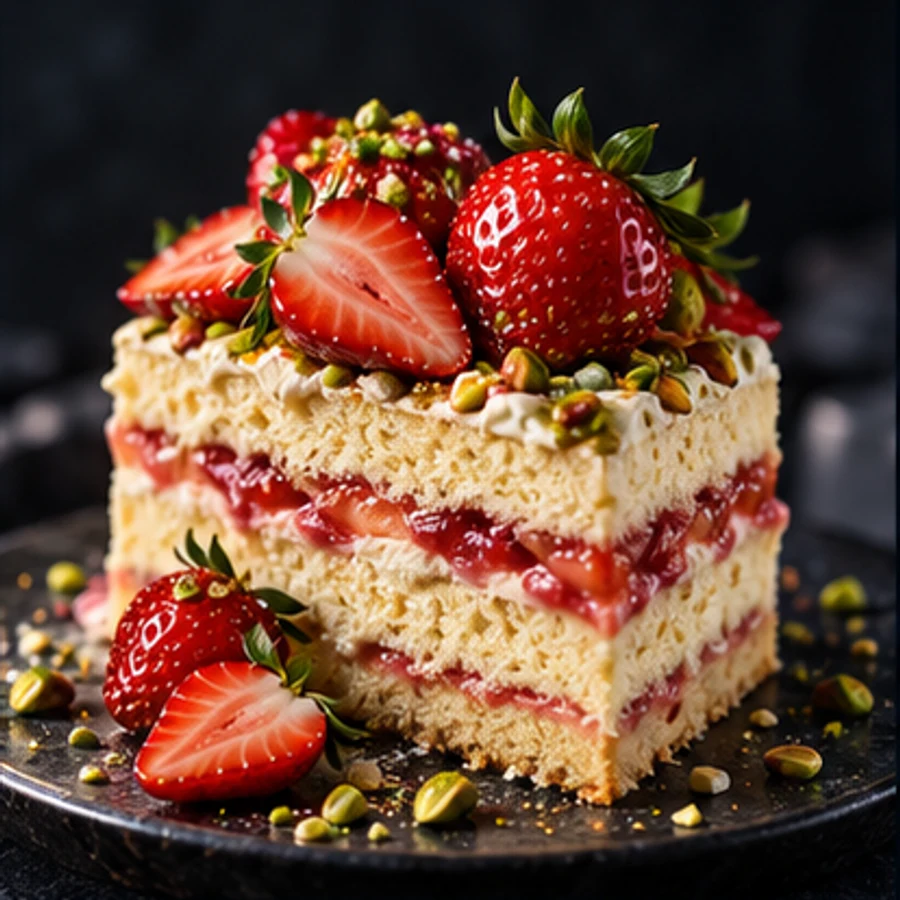
 Dessert campaign · dark studio light
Generated image will be displayed here
Motixo image workflow
AI Food Photography on Motixo
Generate mouth-watering dish shots with commercial food lighting, steam, and plated detail for menus and campaigns.
- Menu-ready compositions
- Commercial lighting control
- Iterate dishes in minutes
How to use AI Food Photography
Step 1
Describe the dish
Name ingredients, plating style, and camera angle for your AI food photography shot.
Step 2
Set commercial mood
Choose bright cafe light, dark moody advertising, or delivery-app clean backgrounds.
Step 3
Generate menu-ready frames
Export high-appetite stills for menus, banners, and social food posts.
AI Food Photography Features
Commercial food lighting
Specular highlights and soft fill that make dishes look freshly plated.
Menu and delivery visuals
Compositions sized for restaurant menus and food-delivery thumbnails.
Steam and texture detail
Crisp crusts, glossy sauces, and rising steam cues for appetite appeal.
Brand-consistent plating
Keep plateware and garnish styles aligned across a full menu set.
Prompt-to-plate speed
Skip prop styling days — iterate AI food photography looks in minutes.
AI Food Photography Examples
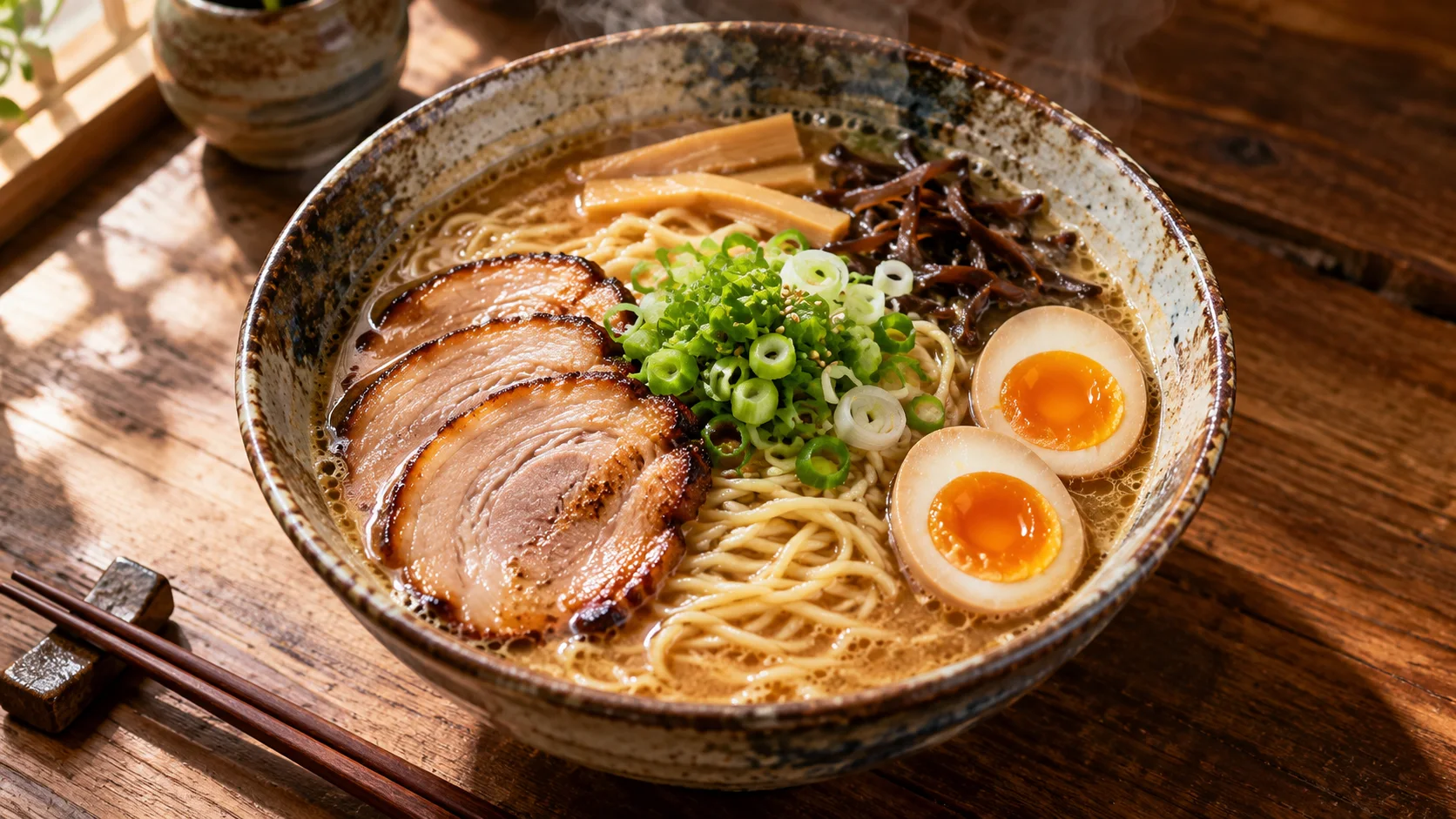
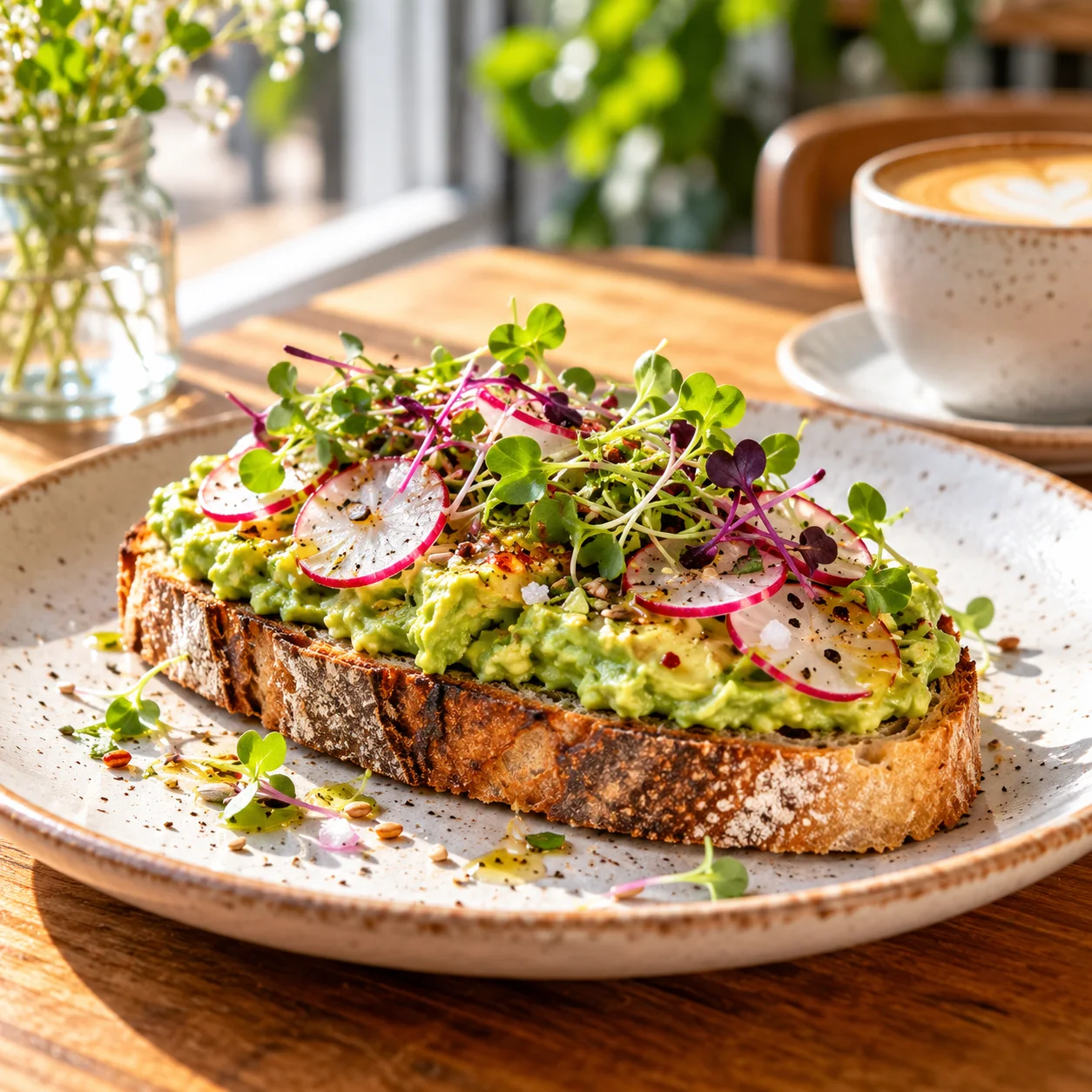
AI Food Photography FAQ
For digital menus and ads, AI food photography often ships faster. Use real shoots when you need exact SKU packaging fidelity.
Try AI Food Photography
Start with one simple brief, then tune the lighting, style, and framing until it fits your campaign.